Feature
Thermal printer billing for your counter
Which printer do I need for clothing shop billing?
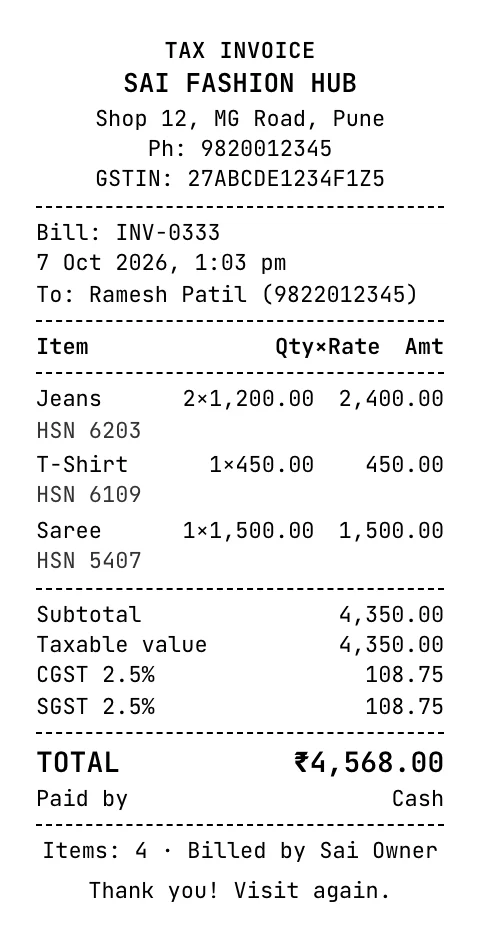
A 58 mm (2 inch) or 80 mm (3 inch) thermal receipt printer is enough for most clothing shops; it needs no ink and prints in about a second. Tap & Bill prints receipts with your logo, GSTIN, items and total, from the Android app or from a computer browser on any installed printer.
Customers still ask for a printed bill, especially for exchanges. A thermal printer is cheap to run because it uses no ink or ribbon, only thermal paper rolls.
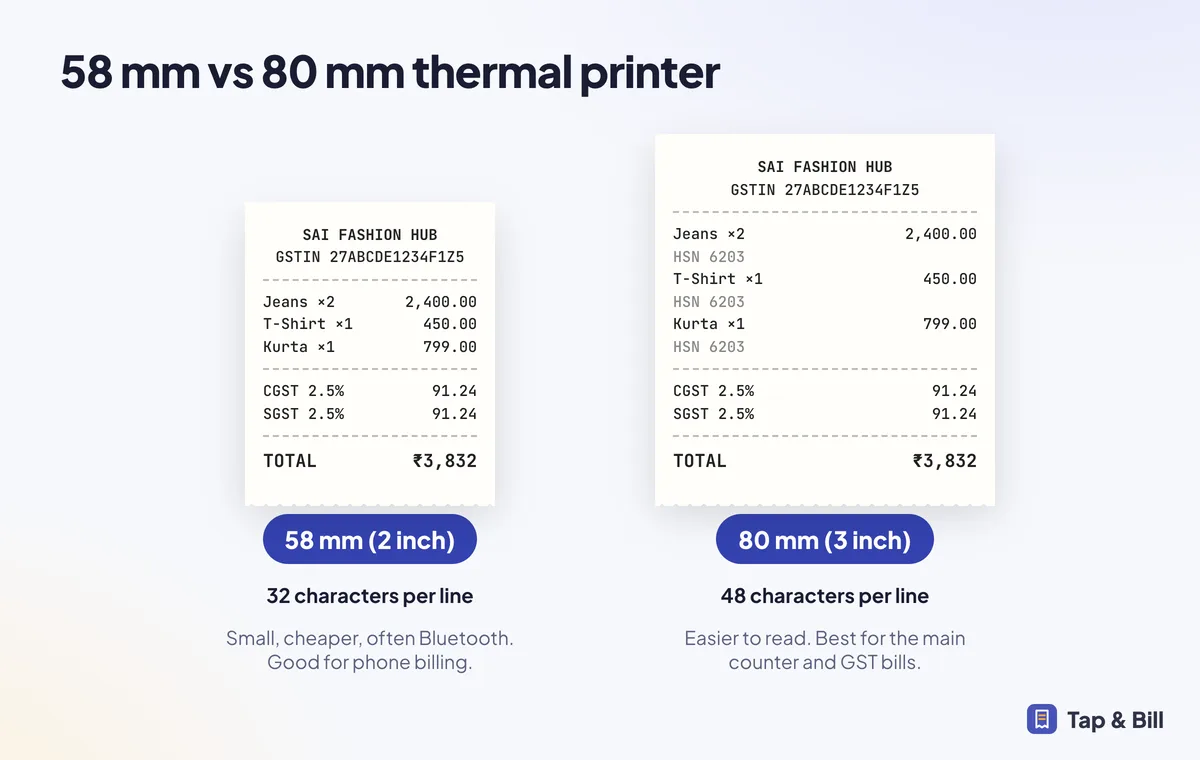
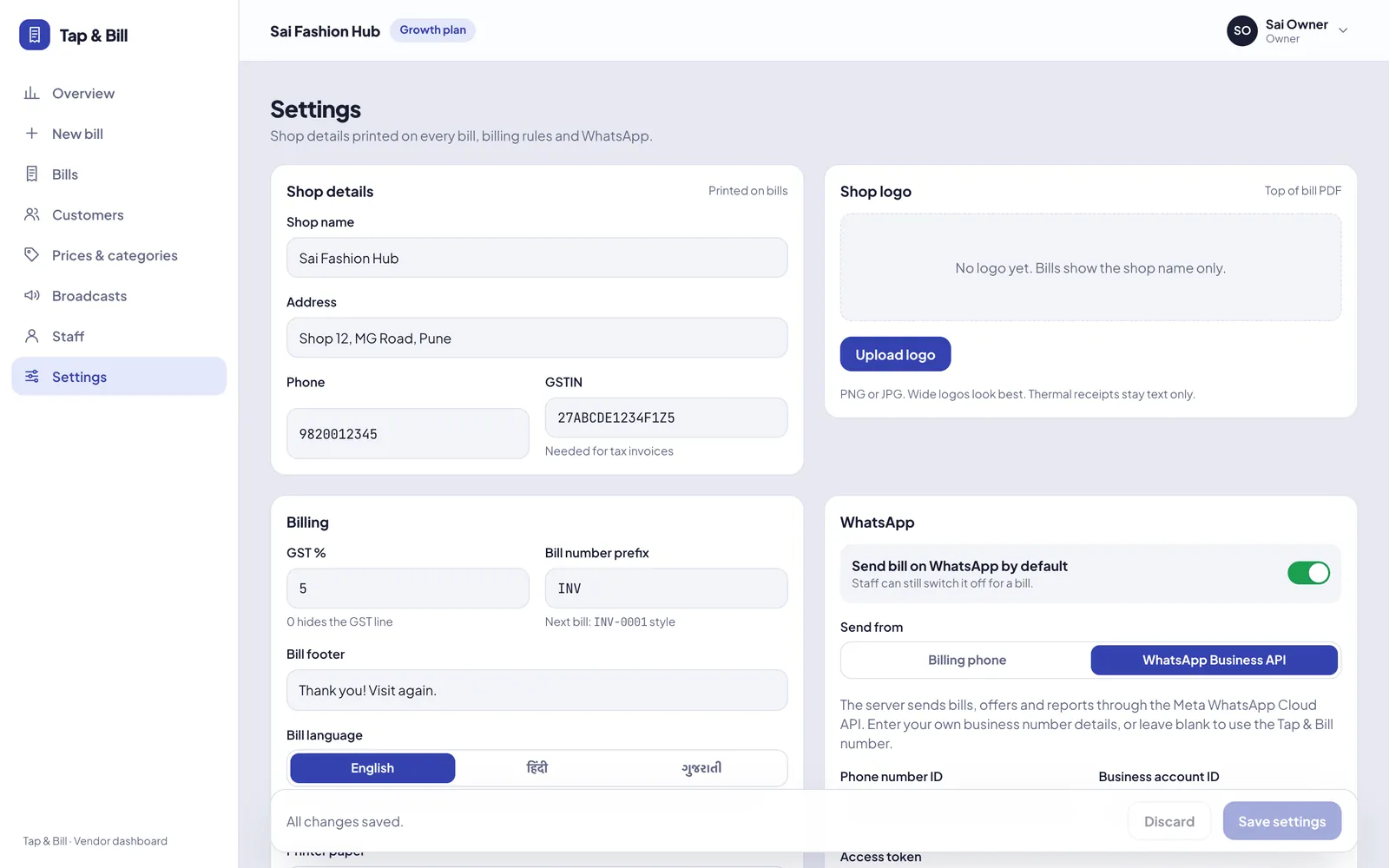
Choose your paper width once in Settings. Tap & Bill sets the layout for 58 mm or 80 mm automatically, wraps long item names and adds the HSN line on GST bills.
What you get
- 58 mm and 80 mm layouts
- Shop logo at the top of the bill
- GSTIN, HSN and CGST/SGST on tax invoices
- Payment mode and your thank-you footer
- Reprint from bill history
How it works
Pick paper size
Set 58 mm or 80 mm in Settings and upload your logo.
Connect the printer
Pair your printer with the phone, or install it on the counter computer.
Print after saving
Every bill prints with one tap. Reprint any bill from history.
See it in Tap & Bill
Thermal printer billing: questions
Which thermal printer brands work?
Most ESC/POS thermal receipt printers sold in India work. Printer support varies by model, so tell us your model when you book a demo and we check it with you before you subscribe.
Can I print on a normal A4 printer?
Yes, from a computer. The bill PDF also prints on A4 if a customer needs a full-page invoice.
58 mm or 80 mm: which should I buy?
80 mm is easier to read and fits GST details comfortably; 58 mm printers are smaller and cheaper. Read our printer guide.
Make your first bill today
Try every feature free for 14 days. No card, no setup fee.