Feature
Send every bill on WhatsApp
How do I send a bill on WhatsApp from my clothing shop?
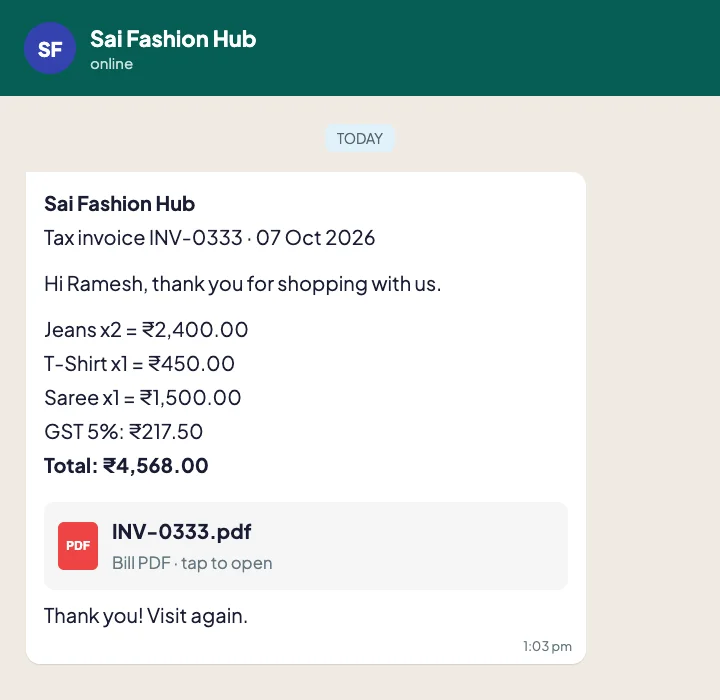
In Tap & Bill, save the bill and tap WhatsApp. The app opens WhatsApp on the customer’s number with the bill summary and a link to the PDF bill, and you press send. Shops on the WhatsApp Business API can send the PDF automatically from the server, with delivered and read ticks.
Paper bills get lost, and customers come back for exchanges without them. A WhatsApp bill stays in the customer’s chat, carries your shop name, and makes it easy for them to message you again.
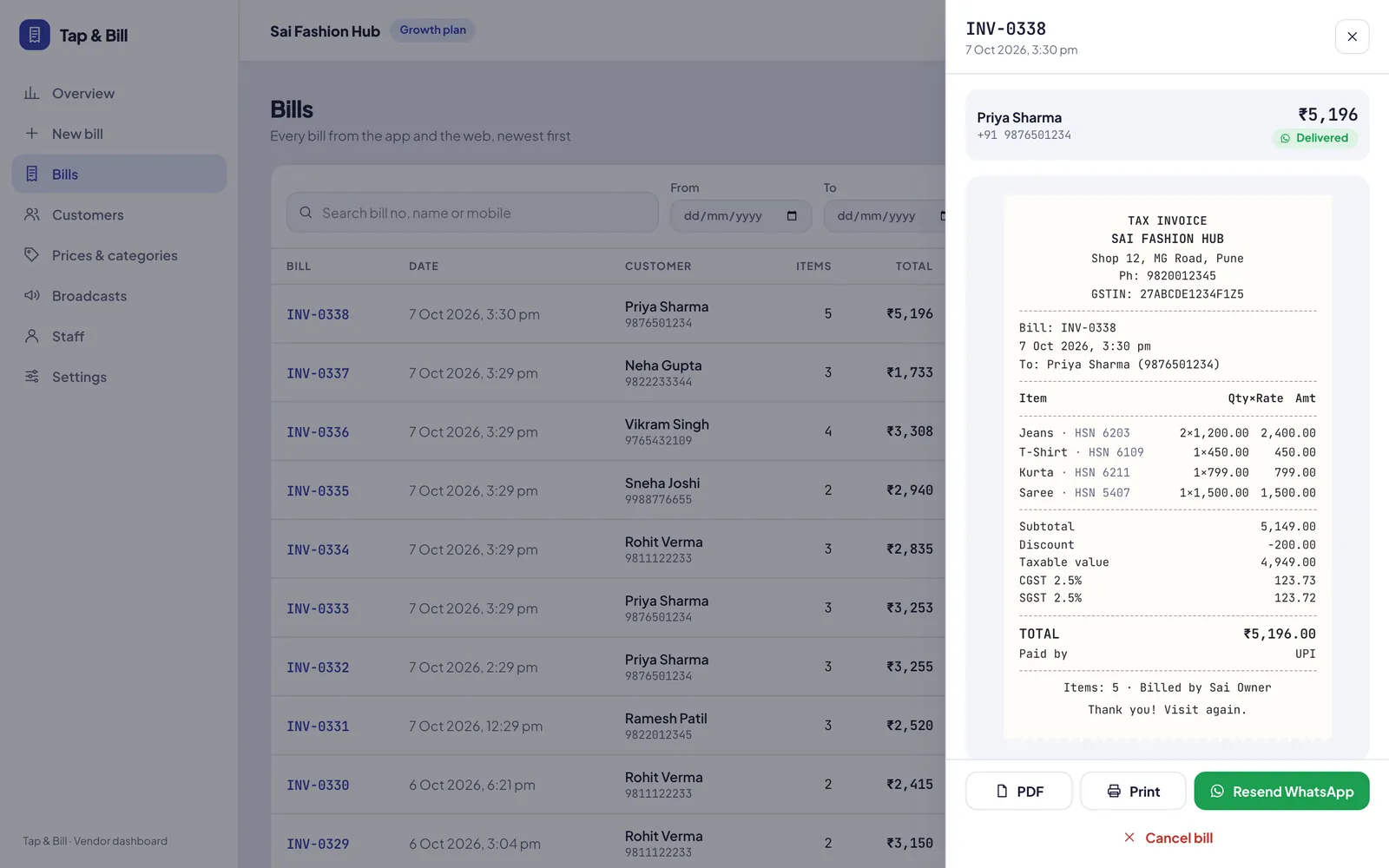
Tap & Bill creates a clean PDF for every bill, with your logo, items, discount, GST and total. The customer gets a link they can open on any phone.
What you get
- Bill PDF with your logo, items, GST and total
- Message in English, Hindi or Gujarati
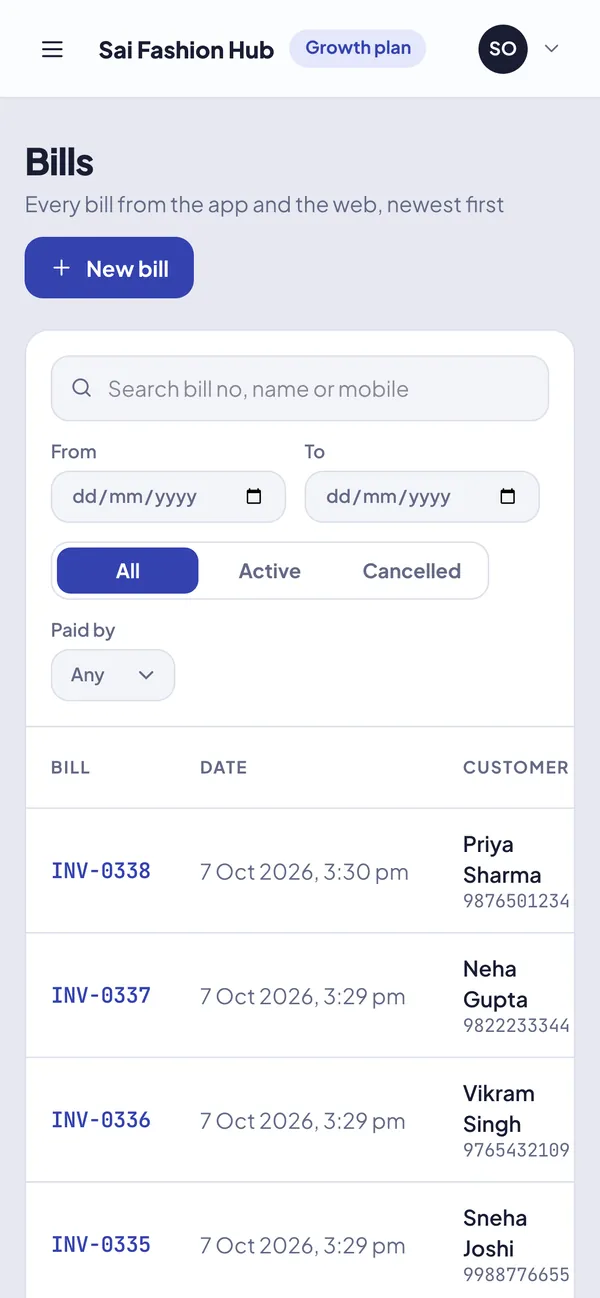
- Resend any past bill from history
- Automatic sending and read ticks with the WhatsApp Business API
- Customer number saved for next visit and offers
How it works
Make the bill
Tap items, add the customer’s mobile number and save.
Tap WhatsApp
WhatsApp opens with the bill summary and PDF link already typed.
Send
Press send. Resend any old bill from bill history.
See it in Tap & Bill
WhatsApp bill: questions
Do I need the WhatsApp Business API to send bills?
No. By default Tap & Bill opens WhatsApp on the billing phone or computer and you press send, which works with normal WhatsApp and WhatsApp Business. The Business API is only needed for fully automatic sending and bulk offers.
Is there a charge per WhatsApp bill?
Not when you send from your own phone. With the WhatsApp Business API, Meta charges a small fee per message, which we show you before you turn it on.
Can the customer download the bill later?
Yes. The PDF link in the message opens the bill any time, so the customer can show it for exchange or warranty.
Make your first bill today
Try every feature free for 14 days. No card, no setup fee.