Guide
How to choose billing software for a clothing store
How do I choose billing software for my clothing shop?
Choose software your counter staff can use at rush hour: fast item selection without barcodes, rate editing on every bill, thermal printing, WhatsApp bills, GST invoices if you are registered, offline billing, staff logins with cancel control, and daily sales on the owner’s phone. Compare the total yearly cost, and test it free with your own items before paying.
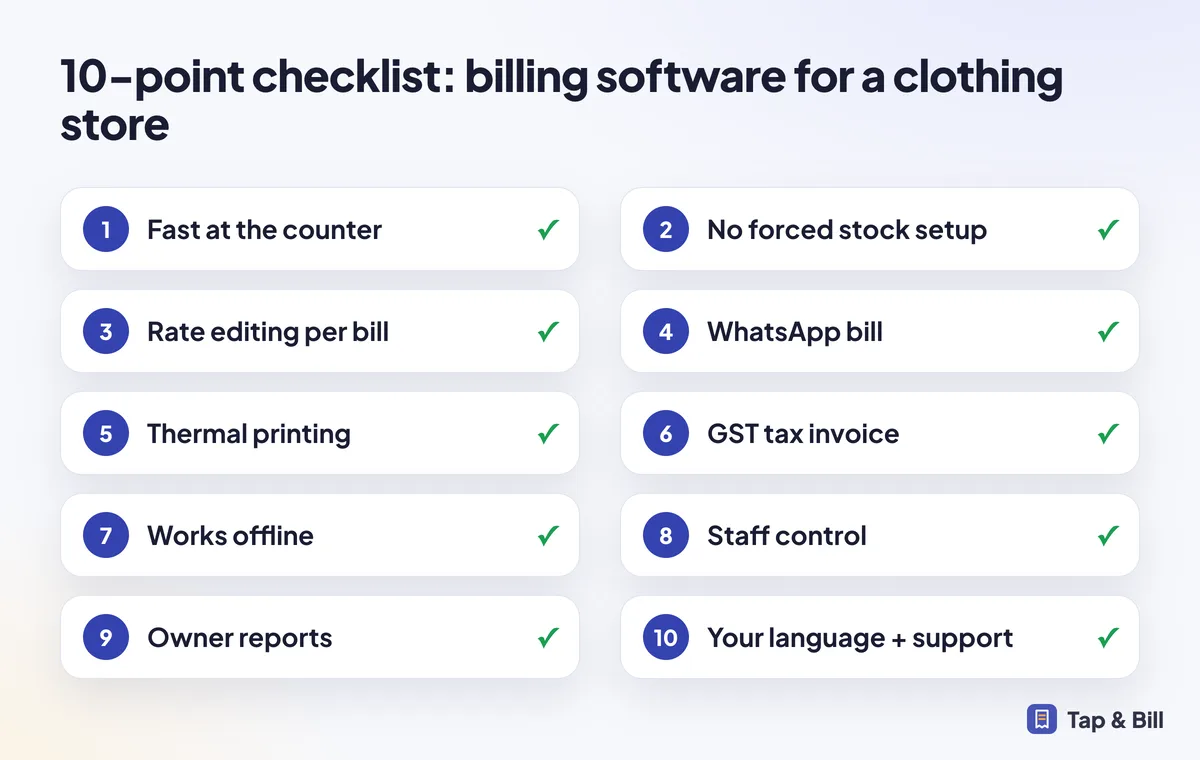
The 10-point checklist
- Speed at the counter. Can a new staff member make a 3-item bill in under 30 seconds?
- No forced stock setup. Clothing has too many designs for item masters. Category billing lets you start on day one.
- Rate editing. Bargaining is normal. The bill should allow a new rate without changing your default price.
- WhatsApp bill. Customers expect it, and it brings them back.
- Thermal printing. 58 mm or 80 mm, with your logo.
- GST tax invoice. GSTIN, HSN and CGST/SGST if you are registered.
- Works offline. Billing should not stop when mobile data drops.
- Staff control. Separate logins, limited price edits, no silent bill deletion.
- Owner reports. Today’s sales, top categories, staff-wise and payment-wise sales on the phone.
- Language and support. Screens your staff can read, and someone to call in your language.
Types of billing tools compared
| Paper bill book | Excel / generic invoice app | Inventory ERP | Clothing billing app (Tap & Bill) | |
|---|---|---|---|---|
| Setup time | None | Hours | Weeks (stock entry, barcodes) | Minutes (categories) |
| Counter speed | Slow | Slow | Fast with barcodes | Fast |
| WhatsApp bill | Photo | Manual | Varies | Built in |
| Owner reports | No | Manual | Detailed | Daily, weekly, monthly |
| Stock tracking | No | No | Yes | No (by design) |
| Typical cost | Paper | Low | High + setup | From ₹499/month |
If you need full stock and barcode control, an inventory ERP fits better. If your pain is a slow counter, lost bills and no daily sales view, a focused clothing billing app is faster to adopt.
Questions to ask before you pay
- Can I try it free with my own categories and prices?
- Does it work with my printer model?
- What happens to my data if I stop paying?
- Is there a per-bill or per-message charge?
- Who helps us set it up?