Guide
How to send a bill on WhatsApp
How can a shop send a bill to a customer on WhatsApp?
The simplest reliable way is a billing app that creates a PDF bill and opens WhatsApp with the customer’s number and the bill link, so you only press send. Clicking a photo of a paper bill works but looks unprofessional and is hard to search later. Large shops can send bills automatically with the WhatsApp Business API, which Meta charges per message.
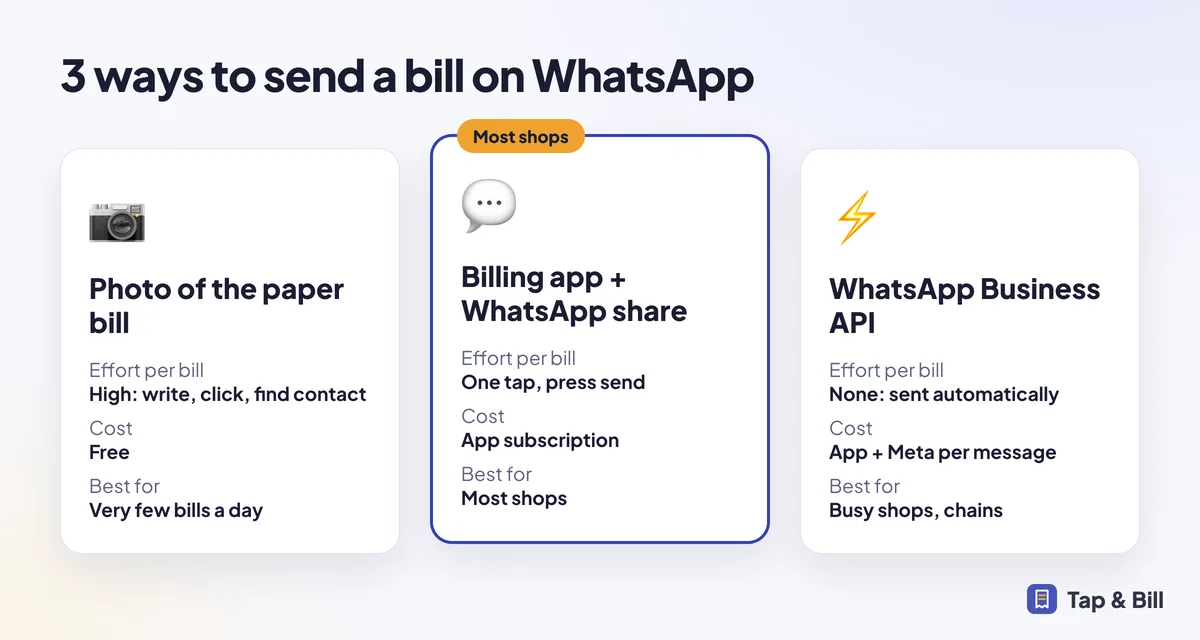
Three ways to send bills on WhatsApp
| Method | Effort per bill | Cost | Best for |
|---|---|---|---|
| Photo of paper bill | High: write, click, find contact, send | Free | Very few bills a day |
| Billing app + WhatsApp share | Low: one tap, press send | App subscription | Most shops |
| WhatsApp Business API (automatic) | None: sent by server | App + Meta per-message fee | Busy shops, chains |
Steps in Tap & Bill
Make the bill
Tap the items, change the rate if needed and enter the customer’s 10-digit mobile number.
Save
Tap & Bill saves the bill and creates the PDF link.
Tap WhatsApp
WhatsApp opens on the customer’s chat with the bill summary and PDF link typed in.
Press send
Done. Resend from bill history any time.
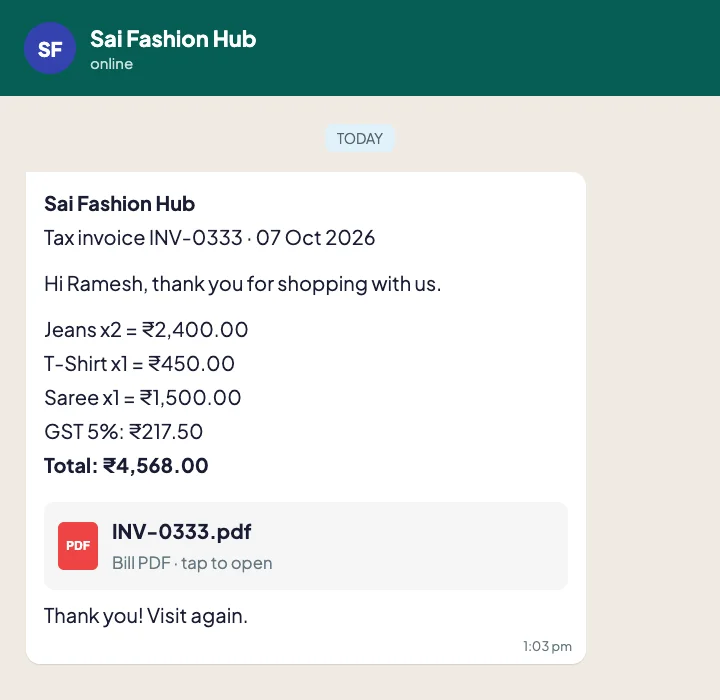
Tips for WhatsApp bills
- Save the shop’s number as a WhatsApp Business account with your shop name and address.
- Ask the customer before sending offers later; a bill is not permission for marketing.
- Keep the bill message short: shop name, bill number, items, total, PDF link.
- Use the customer’s language: Tap & Bill sends bills in English, Hindi or Gujarati.