Feature
Quick bill: calculator billing for any item
Can I make a bill without adding items first?
Yes. Quick bill turns Tap & Bill into a calculator at the counter: type the price, add a name and quantity if you want, tap Add, and repeat. Lines without a name print as Item 1, Item 2 and so on. Save, then print on your thermal printer or send the bill on WhatsApp. It works in the Android app and in any computer or tablet browser.
Many shops don’t have a fixed item list. A tea stall changes its snacks every day, a gift shop has hundreds of small things, and a clothing shop sometimes bills an alteration or a carry bag. Typing the amount is faster than setting up items first.
Quick bill is a calculator keypad inside the billing screen. You still get a proper numbered bill with print, WhatsApp, UPI QR, GST and reports, which a plain calculator or a bill book can’t give you.
Shops that pick cafe, kirana or other at sign-up open straight on Quick bill. Clothing shops open on their category tiles and switch with one tap.
What you get
- Calculator keypad in the Android app and on the web
- Optional item name and quantity on each line
- Lines without a name print as Item 1, Item 2…
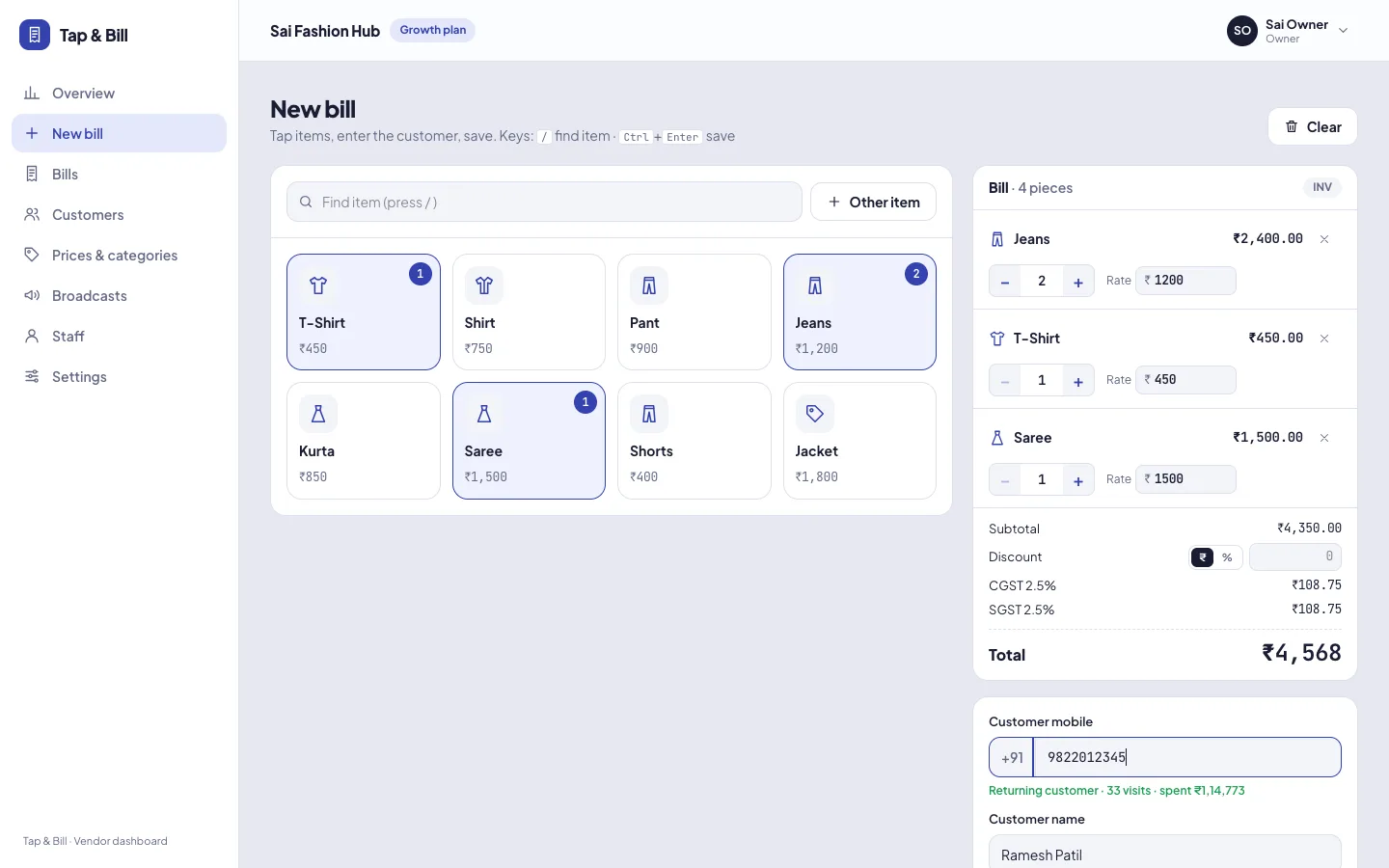
- “Other item” button next to your menu tiles for one-off items
- Menu | Quick switch, remembered on each device
- Walk-in bills with no customer name or mobile
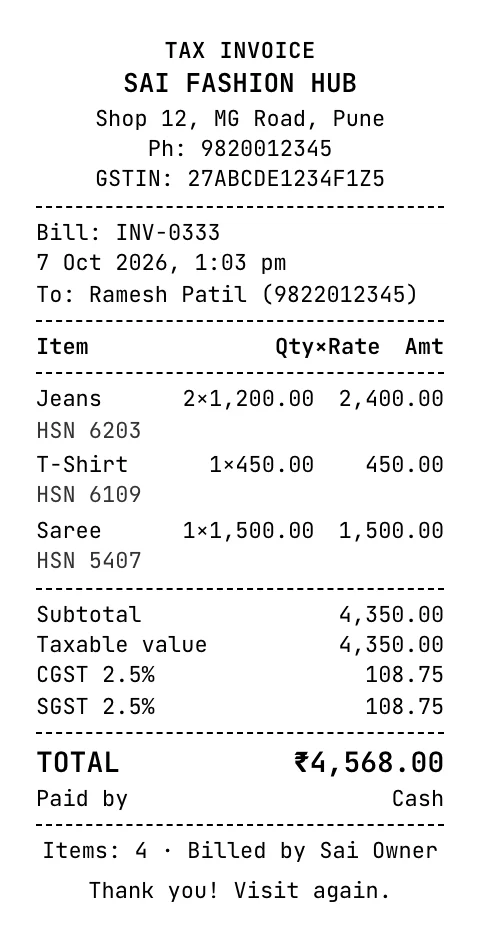
- Same print, WhatsApp bill, UPI QR and reports as every bill
How it works
Open Quick
Tap Quick on the billing screen (Menu | Quick). Each phone or browser remembers your choice.
Type and Add
Type the price, add a name and quantity if you like, and tap Add. Repeat for each item.
Customer or walk-in
Type the customer’s mobile number, or keep it as a walk-in bill with no name or number.
Collect and save
Pick cash, UPI (your QR shows the amount), card, split or udhaar. Save, print or WhatsApp.
A Quick bill example
A snack counter bills four teas, a plate of poha it doesn’t keep as a menu item, and two samosas:
| You type | Name | Qty | Line on the bill |
|---|---|---|---|
| ₹15 | Tea | 4 | Tea × 4 = ₹60 |
| ₹45 | (left blank) | 1 | Item 2 × 1 = ₹45 |
| ₹20 | Samosa | 2 | Samosa × 2 = ₹40 |
| Total | ₹145 |
The customer pays by scanning your UPI QR for ₹145, the receipt prints, and the sale shows in today’s UPI total on the owner’s phone.
Quick bill, menu tiles or “Other item”: which to use
| Use | When | Example |
|---|---|---|
| Menu tiles | Items you sell every day at a set price | Tea ₹15, Coffee ₹25; Shirt ₹750 with the rate changed for bargaining |
| Quick bill | No item list, or prices change every time | Gift items, mixed snacks, small repairs |
| Other item | A one-off line on a normal menu bill | Fall and pico, alteration, carry bag |
All three can go on the same bill. Reports count every line in sales, bills and payment mode.
Who uses Quick bill
- Cafes, tea stalls and snack counters that bill many small amounts.
- Small shops and general stores with too many items to set up.
- Clothing shops for alterations, stitching charges and odd items, next to their category tiles.
- Vendors at fairs and exhibitions who bill on a phone with a Bluetooth printer.
Limits today
Quantity is a whole number, so loose items sold by weight are billed by typing the rupee amount (for example “Sugar 1.5 kg” at ₹68). Quick bill lines have no HSN code; keep items that need HSN on GST invoices as menu items. There is no stock count, barcode scanning or KOT.
See it in Tap & Bill
Quick bill keypad: questions
Can I bill without adding items or a menu first?
Yes. Open Quick bill, type the price and tap Add. You can make your first bill a minute after you sign up.
Can I give the item a name on Quick bill?
Yes, the name is optional. Type “Tea” or “Alteration”, or leave it blank and the line prints as Item 1, Item 2 and so on.
Does Quick bill work offline?
In the Android app, yes: bills made without internet, Quick bills included, are saved on the phone and upload when you are back online. The computer version needs internet.
Can I switch between Quick bill and menu billing?
Yes. The billing screen has a Menu | Quick switch. Each phone or browser remembers the last one you used.
Do Quick bill sales show in reports?
Yes. They count in sales, number of bills, payment mode (cash, UPI, card, udhaar) and staff-wise sales like any other bill.
Can I add GST on a Quick bill?
Yes. If GST tax invoice is on for your shop, GST is worked out on Quick bill lines at your shop’s rate. Quick lines have no HSN code, so use menu items for goods that need HSN on B2B invoices.
Try Quick bill on your own prices
We call you within one working day and show Tap & Bill on your own items and prices.
- 10-minute demo on phone or video call
- 14-day free trial, no card
- We set up your categories and prices with you
Prefer to talk now? Call +91 73838 34343 or WhatsApp us.
Try Quick bill free
Bill any item at any price. 14-day free trial, no card.