A queue at the counter
Bill as a walk-in: no name or number to ask. Tap Tea × 2, Samosa × 1, save, print.
For cafes, tea stalls and food counters
Which billing app is good for a small cafe or tea stall?
A small cafe or tea stall needs billing that is faster than writing: tap a menu tile or type the amount, take cash or UPI, print. Tap & Bill gives you menu tiles for regular items (Tea, Coffee, Samosa), a Quick bill keypad for anything else, walk-in bills with no customer name or number, your own UPI QR with the exact amount, 58 mm or 80 mm printing, and today’s cash and UPI totals on the owner’s phone.
Bill as a walk-in: no name or number to ask. Tap Tea × 2, Samosa × 1, save, print.
Your UPI QR shows the exact amount on the screen and the receipt. No “how much?” at the scanner.
Keep regular items as tiles and type the rest on the Quick bill keypad.
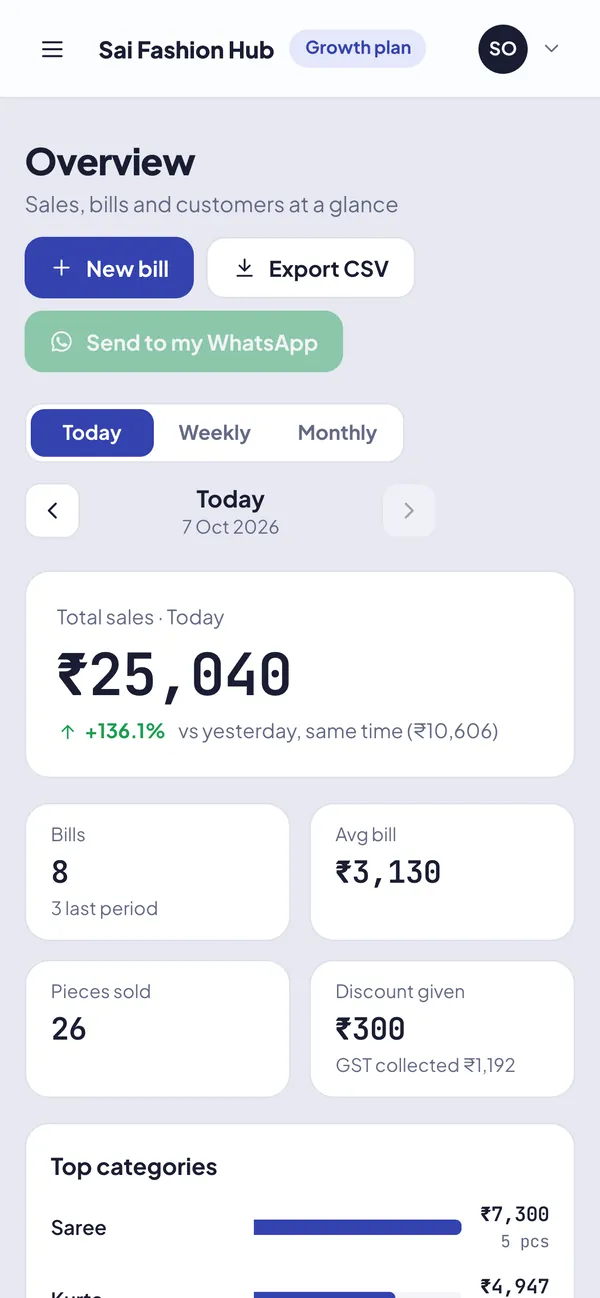
See today’s sales, number of bills and the cash vs UPI split live on your phone.
Put a regular’s bills on udhaar and collect at month end, with a WhatsApp reminder.
Each staff member has a login. Staff can cancel only their own bill within 15 minutes, with a reason.
Pick “cafe” when you sign up and these items are ready on day one. Change names and prices, or add your own, any time:
Cafe shops open on Quick bill by default: a calculator keypad where you type the price, add a name if you like, and tap Add. Switch to Menu for one-tap tiles of the items you sell every day. Both can go on one bill, and each phone remembers your choice.
| Item | Qty | Amount |
|---|---|---|
| Tea | 4 | ₹60 |
| Samosa | 2 | ₹40 |
| Sandwich | 1 | ₹60 |
| Bill total (no GST) | ₹160 |
If your cafe is GST-registered and charges 5%, the same bill shows taxable value ₹160, CGST 2.5% ₹4, SGST 2.5% ₹4, total ₹168. Tap & Bill uses one GST rate for the shop, which suits most cafes. Confirm your rate with your CA.
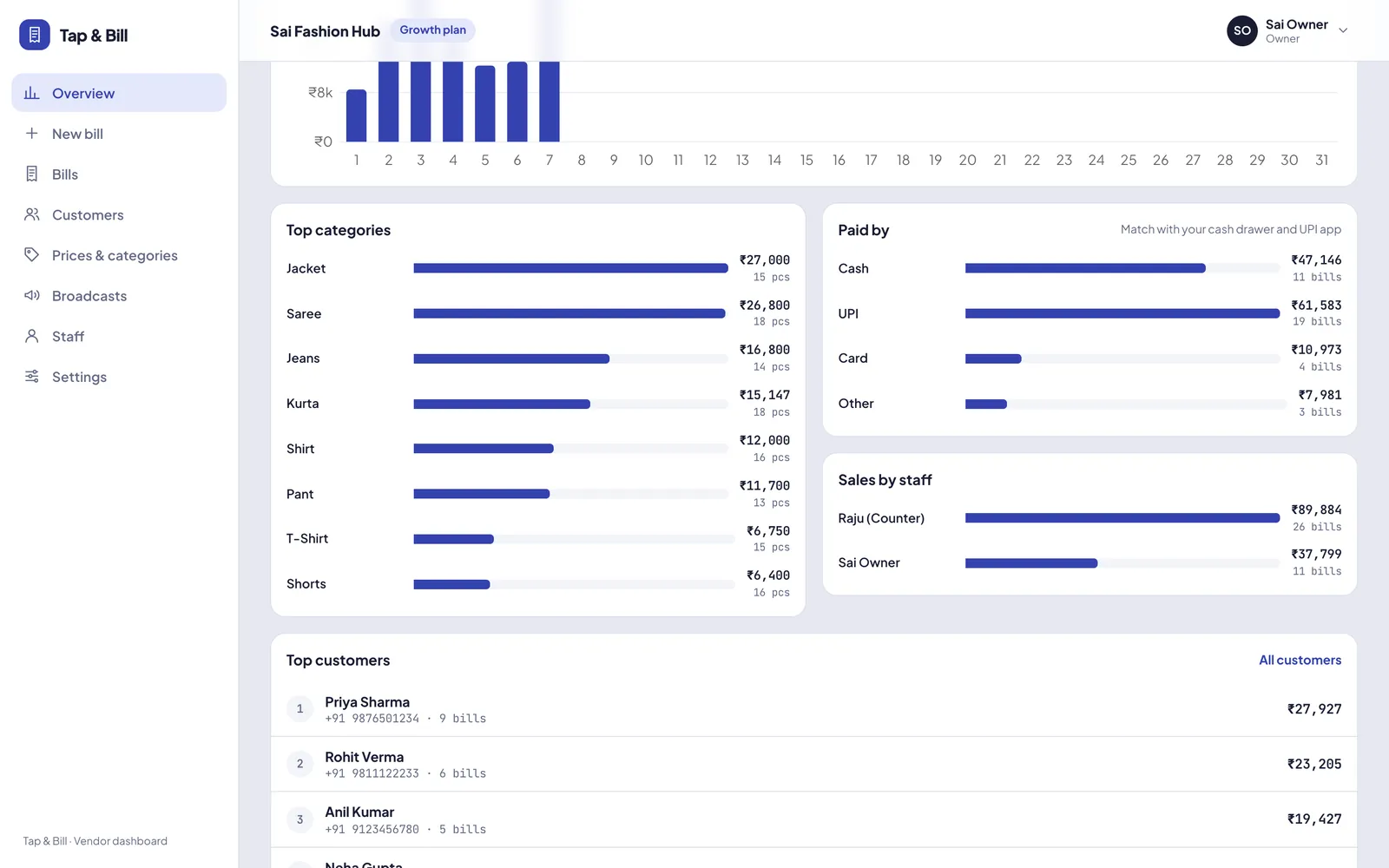
Every bill records how it was paid: cash, UPI, card, other, udhaar, or a split (₹100 cash + ₹68 UPI). Reports show each mode separately, so the cash in your drawer can be checked against the cash total in seconds.
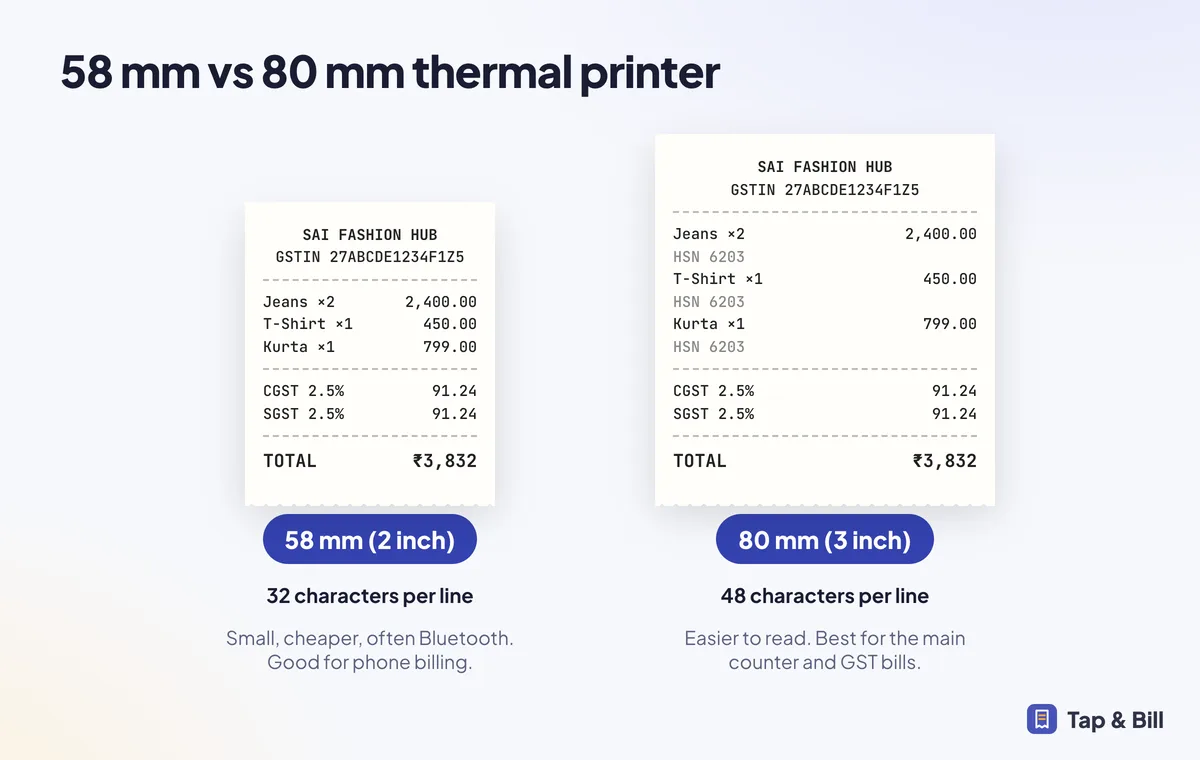
A 58 mm Bluetooth thermal printer is small, runs on battery and pairs with the Android phone, so it fits a stall or a cart. An 80 mm printer suits a cafe counter with GST bills. Read 58 mm vs 80 mm.
| Plan | Bills a month | Rough daily limit | Staff |
|---|---|---|---|
| Starter (₹499/month) | 1,500 bills / month | About 50 bills a day | 2 staff logins |
| Growth (₹999/month) | 5,000 bills / month | About 166 bills a day | 5 staff logins |
| Pro (₹1,999/month) | Unlimited bills | No limit | 20 staff logins |
A stall selling 200 or more cups a day as separate bills needs Pro. Many tea stalls bill only the bigger orders and parcel orders; tell us your numbers and we suggest a plan honestly.
If your counter takes the order, takes the money and hands over the item, Tap & Bill fits.
Only if you are registered under GST. An unregistered stall gives a simple bill without GST lines, and Tap & Bill does that by default. Registration depends on your yearly turnover (the limit is lower in some states), so check with your CA.
Most standalone cafes and restaurants charge 5% GST, shown as 2.5% CGST and 2.5% SGST, without input tax credit. Some cases differ, so confirm with your CA and set the rate once in Tap & Bill Settings.
Yes. Walk-in bills need no name or mobile. They are printed, not sent on WhatsApp. Add a number only when the customer wants the bill on WhatsApp or takes udhaar.
The Android app keeps billing and printing without internet and uploads the bills when you are back online. The computer version needs internet.
Yes. Today’s report and the weekly and monthly reports split sales into cash, UPI, card, other and udhaar. Split bills count each part under its own mode.
No. Tap & Bill is counter billing: order, pay, print. If you need kitchen tickets or table orders, a restaurant POS fits better.
We call you within one working day and show Tap & Bill on your own items and prices.
Prefer to talk now? Call +91 73838 34343 or WhatsApp us.