Feature
Returns and exchange billing for clothing shops
How do I make an exchange bill in a clothing shop?
Open the old bill in Tap & Bill and tap Return / exchange. Pick the pieces coming back; the app works out their value (price less their share of the bill discount, plus their share of GST) and makes a credit note such as CN-0001. Refund the money in cash, UPI or card, or choose Exchange: the value goes to the customer’s account and is used on the new bill you make next.
Exchanges are part of every clothing shop’s day: wrong size, a colour the family didn’t like, a gift that didn’t fit. On paper the old bill gets struck off, the new one written, and the difference worked out in the margin. Mistakes are easy and nobody can check them later.
Tap & Bill handles it against the original bill. You can’t return more pieces than were sold, the value is worked out the same way every time, and the return shows in reports and in the GST report as a credit note.
What you get
- Return pieces against the original bill
- Credit note numbers: CN-0001, CN-0002…
- Fair value: price less its share of the bill discount, plus its share of GST
- Refund in cash, UPI or card
- Exchange: value to the customer’s account (store credit, or less udhaar)
- Return lines shown on the bill PDF and receipt
- Returns and net sales in reports; credit notes in the GST report
How it works
Find the old bill
Search bill history by bill number, name or mobile, and open it.
Pick the pieces
Tap Return / exchange and choose the items and quantity coming back.
Refund or exchange
Refund in cash, UPI or card, or put the value on the customer’s account.
Make the new bill
For an exchange, bill the new pieces; the credit is used and the customer pays the difference.
Worked example: exchange one kurta
Original bill INV-1042, GST tax invoice at 5%:
| Line | Amount |
|---|---|
| Kurta × 2 at ₹800 | ₹1,600 |
| Leggings × 1 at ₹400 | ₹400 |
| Discount | − ₹200 |
| Taxable value | ₹1,800 |
| GST 5% (CGST ₹45 + SGST ₹45) | ₹90 |
| Total | ₹1,890 |
The customer returns one kurta. Its value is worked out like this:
| Step | Amount |
|---|---|
| Kurta price | ₹800 |
| Less its share of the ₹200 discount (800 ÷ 2,000) | − ₹80 |
| Plus its share of GST (5% of ₹720) | + ₹36 |
| Credit note CN-0001 | ₹756 |
With Exchange, ₹756 goes to the customer’s account. The new bill is a shirt at ₹1,100 + 5% GST = ₹1,155. The credit is used, and the customer pays ₹399.
Refund or exchange: what to pick
| Option | Use when | What the customer gets |
|---|---|---|
| Refund: cash, UPI or card | The customer wants money back | Money for the credit note value |
| Exchange (to account) | The customer takes something else now or later | Store credit used on the next bill, or less udhaar if they owe you |
| Walk-in bill | The bill had no customer details | Money back only (there is no account to credit) |
Good to know
- You can’t return more pieces than the bill had, even over several returns.
- A bill with a return can no longer be cancelled; the return is the record.
- Add size and colour on each line (S to XXL, 28 to 40, or any text) so a size exchange is easy to check later.
- The customer’s WhatsApp bill is their proof of purchase, so lost paper bills stop being a problem.
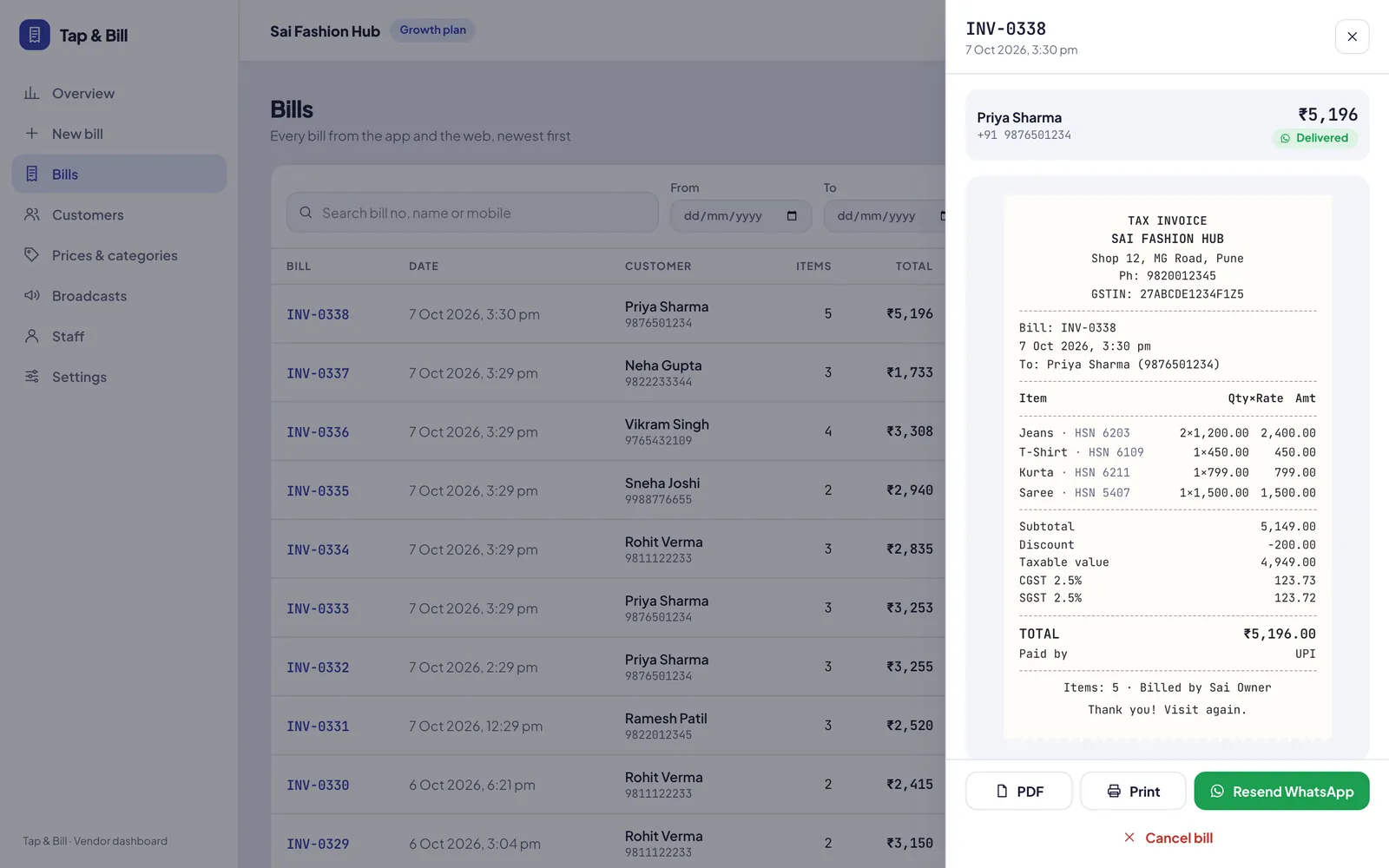
Start from the old bill
Returns & exchange: questions
What is a credit note in a shop?
A credit note is the document for goods taken back. It has its own number (CN-0001), refers to the original bill and shows the value returned, including GST. Your CA uses it to reduce output GST.
Can I exchange a piece for a different size?
Yes. Return the piece with Exchange so the value goes to the customer’s account, then make a new bill for the new size. The credit is used and the customer pays or gets back only the difference.
The customer lost the bill. Can I still take the return?
Search bill history by the customer’s mobile number or name and open the bill. If the bill was sent on WhatsApp, the customer can also show the PDF.
Can I take a return on a walk-in bill?
Yes, but only as a refund in money. A walk-in bill has no customer account to put store credit on.
Do returns reduce my sales report?
Yes. Reports show returns separately and give net sales. The bills CSV has negative rows for returns, and the GST report has a credit notes section.
Can I cancel a bill after a return?
No. Once a bill has a return, it can’t be cancelled, so the records always match.
See returns and exchange on your own bills
We call you within one working day and show Tap & Bill on your own items and prices.
- 10-minute demo on phone or video call
- 14-day free trial, no card
- We set up your categories and prices with you
Prefer to talk now? Call +91 73838 34343 or WhatsApp us.
Make your first bill today
Try every feature free for 14 days. No card, no setup fee.