Stock and barcodes for clothing shops: video walkthrough
Tap & Bill is a billing app for small shops in India, made first for clothing and footwear counters: bills on an Android phone or in any computer browser, printed or sent on WhatsApp. The Free plan is ₹0 with 60 bills a month, and the first 14 days have every feature free, no card.
Start freeHow do barcodes and stock work in Tap & Bill?
Switch on Stock & barcodes in Settings (Growth and Pro plans and the free trial; off by default). Add each design with its sizes and colours and every size gets its own barcode. Print labels, scan them at the counter with a handheld scanner or the phone camera, and stock goes down with every bill. Stock in adds goods received, a shelf count shows missing pieces, and reports show sizes that sell and dead stock.
Chapters
- 0:00
Stock, only if you want it
Tap & Bill can keep your stock too, if you switch it on.
- 0:05
Designs with sizes and colours
Add a design once; every size gets its own barcode.
- 0:12
Barcode and QR labels
Print on A4 sheets, a label printer or your bill printer.
- 0:19
Scan to bill
Scan the label at the counter; size, price and GST come in by themselves.
- 0:26
Stock in
Scan each new piece, save, and print one label per piece.
- 0:32
Shelf count
Count a shelf by scanning and see what is missing before you correct the stock.
- 0:38
Sizes that sell, stuck designs
Which sizes sell out first and which designs are stuck.
- 0:43
Switch it on
Off by default: Settings, on the Growth and Pro plans.
Transcript
Every line spoken in the video. Tap a time to play from there.
0:00Tap and Bill can keep your stock too, only if you want it.
0:05Add a design once, with its sizes and colours. Every size gets its own barcode.
0:12Print barcode and QR labels: on A4 sheets, a label printer, or your bill printer.
0:19At the counter, scan the label. The size, price and GST come in by themselves.
0:26New stock arrived? Scan each piece, save, and print one label per piece.
0:32Count a shelf by scanning. See what is missing before you correct the stock.
0:38Know which sizes sell out first, and which designs are stuck.
0:43It is off by default. Switch it on in Settings, on the Growth and Pro plans.
More videos
-
 3:37
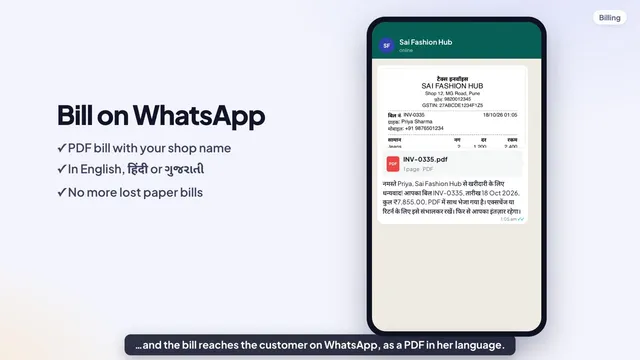
Tap & Bill demo: billing app for clothing shops in 3 minutes
-
 1:12
What’s new in Tap & Bill: items in 2 minutes, rental, sections, reports and Diwali rush billing
-
 3:42
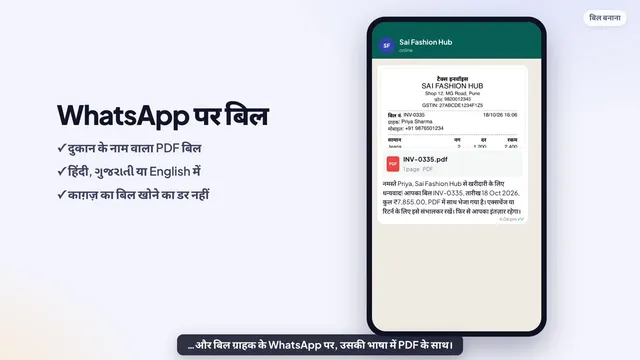
Tap & Bill डेमो (हिंदी): कपड़े की दुकान का बिलिंग ऐप 3 मिनट में
-
 1:11
Tap & Bill में नया क्या है: 2 मिनट में आइटम, किराया, सेक्शन, रिपोर्ट और दिवाली की भीड़
Questions about this video
Do I need barcodes to use Tap & Bill?
No. Most clothing shops bill by category (shirt, saree, jeans) with editable rates, and that works out of the box. Stock & barcodes is a setting, off by default, for shops that want to know which sizes sell and what is missing from the shelf.
Can the phone camera scan the barcodes?
Yes, in the Android app. On a computer or a phone you can also use a USB or Bluetooth handheld scanner. Brand barcodes (EAN) already printed on the goods work too.
Can I print barcode labels without the app?
Yes. The free barcode label generator prints Code 128 price tags on A4 sticker sheets or label rolls in your browser, with no login. In the app, labels come from your designs and stock in.
Book a free demo
We call you within one working day and show Tap & Bill on your own items and prices.
- 10-minute demo on phone or video call
- 14-day free trial, no card
- We set up your categories and prices with you
Prefer to talk now? Call +91 73838 34343.