Hundreds of small items
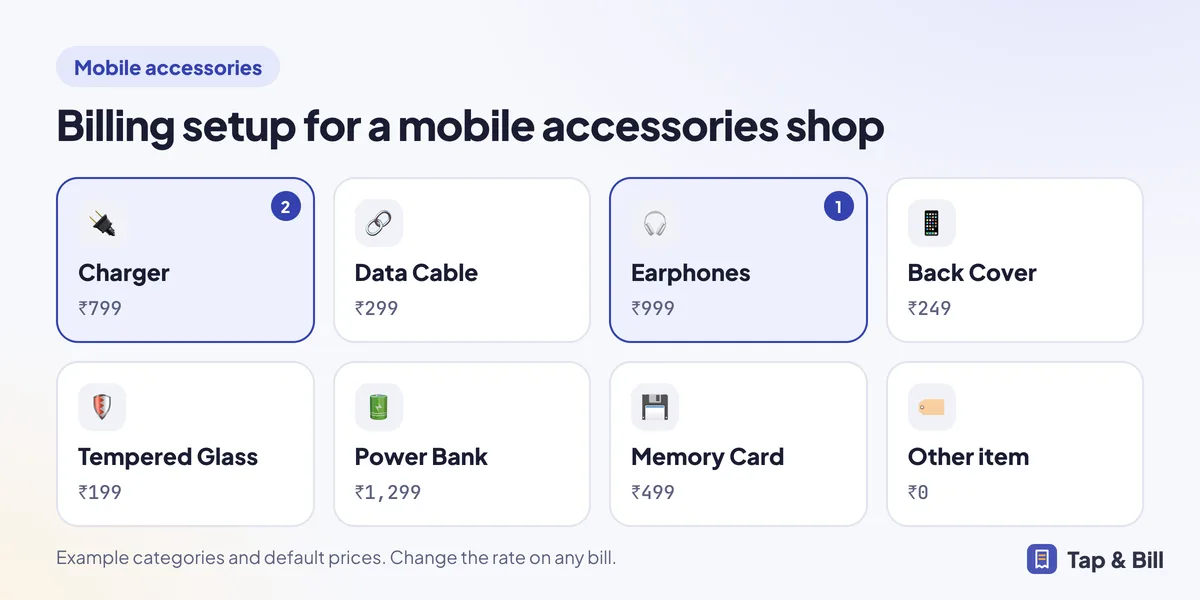
Start without stock: tiles for Charger, Cable, Earphones, Cover and Tempered Glass with a default rate. Type anything else on the Quick bill keypad.
For mobile accessories and phone cover shops
What billing software suits a mobile accessories shop?
A mobile accessories shop sells hundreds of small items at MRP, with bargaining and covers for many phone models. Tap & Bill bills by tapping a category (Charger, Cable, Cover) or scanning the barcode on the box, takes the 18% GST out of the MRP, stops staff going below your lowest price, and sends the bill on WhatsApp. Stock and barcodes are on the Growth and Pro plans. It does not track IMEI numbers or warranties.
Start without stock: tiles for Charger, Cable, Earphones, Cover and Tempered Glass with a default rate. Type anything else on the Quick bill keypad.
With Stock & barcodes on (Growth and Pro), add a cover design with phone models as its sizes and its colours; each gets its own barcode and stock count.
Save the EAN printed on a charger or earphone box and scan it with a handheld scanner or the phone camera.
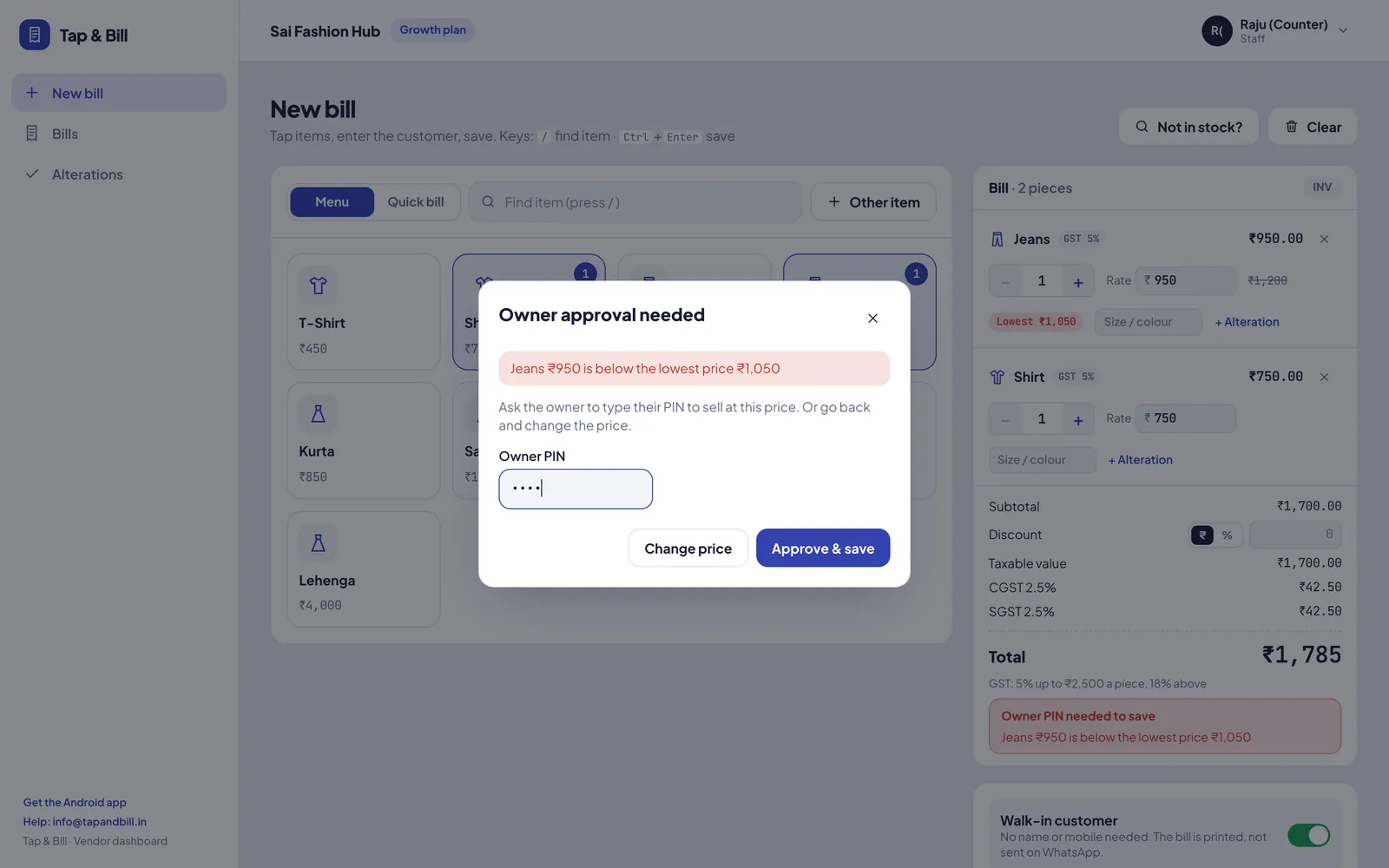
Mol-Bhav Guard: set a lowest price per item, and a staff bill below it needs your PIN.
When you don’t, note it in the Not in stock list and see the most-asked models before you order.
Screen guard fitting or data transfer: keep a tile with your charge, or type it on Quick bill.
Pick “Other” as the shop type at sign-up and add your categories with default prices, or we set them up with you on a demo call. A typical setup:
Chargers, cables, earphones, covers, screen guards and power banks are usually sold at 18% GST, and the MRP already includes it. Choose Same rate on everything at 18% with prices “with GST” in the GST settings, and Tap & Bill takes the tax out of each price. A bill where the customer bargained the total down to ₹1,500:
| Line | MRP | After ₹46 off the bill | Value without GST | GST 18% |
|---|---|---|---|---|
| Fast charger 20W | ₹799 | ₹775.23 | ₹656.97 | ₹118.26 |
| Type-C cable | ₹299 | ₹290.10 | ₹245.85 | ₹44.25 |
| Tempered glass | ₹199 | ₹193.08 | ₹163.63 | ₹29.45 |
| Back cover | ₹249 | ₹241.59 | ₹204.74 | ₹36.85 |
| Customer pays | ₹1,546 | ₹1,500 | ₹1,271.19 | ₹228.81 |
The bill discount is shared over the lines by their value, and the bill prints CGST ₹114.41 + SGST ₹114.40. If an item has another rate, give its category a fixed rate on Prices & categories; HSN codes differ by item, so add them with your CA. Rates here are a guide, not tax advice.
| Every plan | With Stock & barcodes (Growth and Pro) | |
|---|---|---|
| How you bill | Tap a category or type on Quick bill | Scan the box barcode or your own label; tiles still work |
| Phone models | Type the model in the size / colour box on the line; it prints under the item | One design with the models as sizes (up to 20 characters each), each with a barcode and stock |
| Brand barcodes | Not used | Save the EAN from the box on that model or colour |
| Stock | No | Stock in from the supplier’s challan, shelf count, running low, dead stock |
| Labels | Not needed | Code 128 + QR labels on A4 sheets, a label printer or your bill printer |
Add “Silicone back cover” at ₹249 with the sizes Redmi Note 13, Galaxy A15 and iPhone 15 and the colours Black and Blue: six barcodes. Stock in 10 of each and print 60 labels. A month later, Dead stock shows which model’s covers did not sell, and the Not in stock list shows which models customers asked for.
If you mostly sell accessories at the counter and want fast bills, bargaining control and stock by model, Tap & Bill fits. If phones with IMEI are most of your sales, a mobile shop ERP fits better.
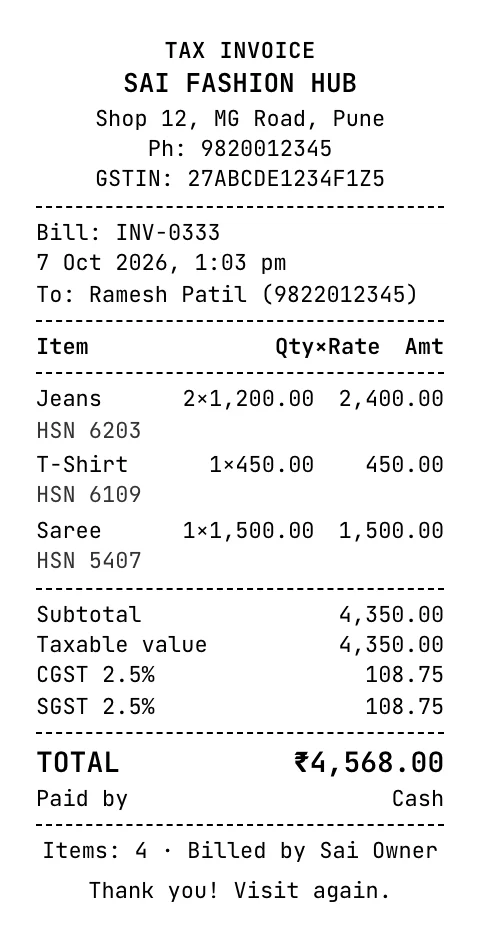
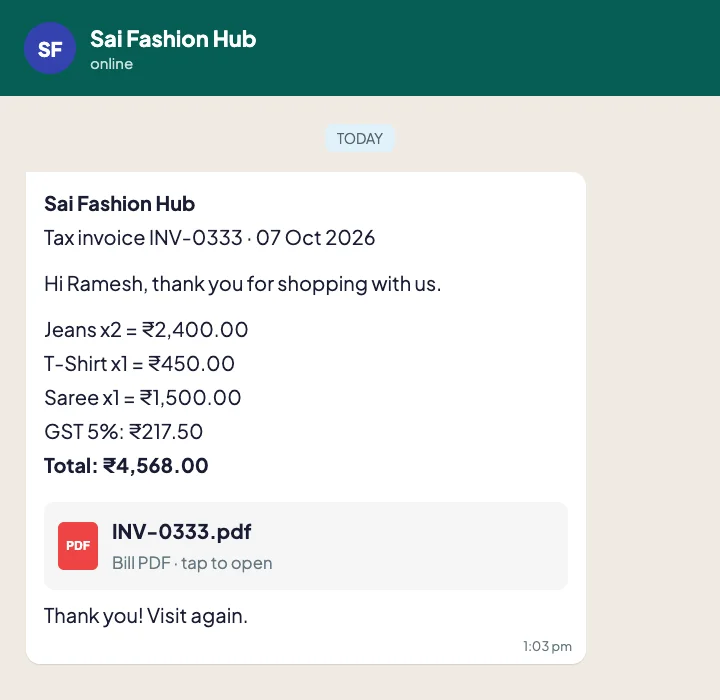
No. There are no IMEI, serial number or warranty fields. You can type an IMEI in the size / colour box of a bill line so it prints on the bill, but it is not tracked against stock or warranty.
Yes, with the optional Stock & barcodes (Growth and Pro, and during the free trial). Save the EAN from the box on that item, then scan it with a USB or Bluetooth handheld scanner or the Android phone camera.
Chargers, cables, earphones, covers, screen guards and power banks are usually 18% GST (9% CGST + 9% SGST). With MRP prices, set the shop to 18% with prices that include GST. HSN codes differ by item; confirm both with your CA.
Switch on Mol-Bhav Guard, set a lowest price per item and a staff discount limit, and choose “Ask for my PIN”. A staff bill below the limit saves only after you type your PIN. It is on every plan.
No. Bill by tapping categories or typing prices from day one. Switch on Stock & barcodes later if you want stock by model; your bills and customers stay as they are.
58 mm or 80 mm thermal printers over Bluetooth LE or Wi-Fi from the Android app, or any printer from a computer; USB or Bluetooth handheld scanners, or the phone camera. Tell us the model before you buy. See 58 mm vs 80 mm.
We call you within one working day and show Tap & Bill on your own items and prices.
Prefer to talk now? Call +91 73838 34343 or WhatsApp us.