Services with changing prices
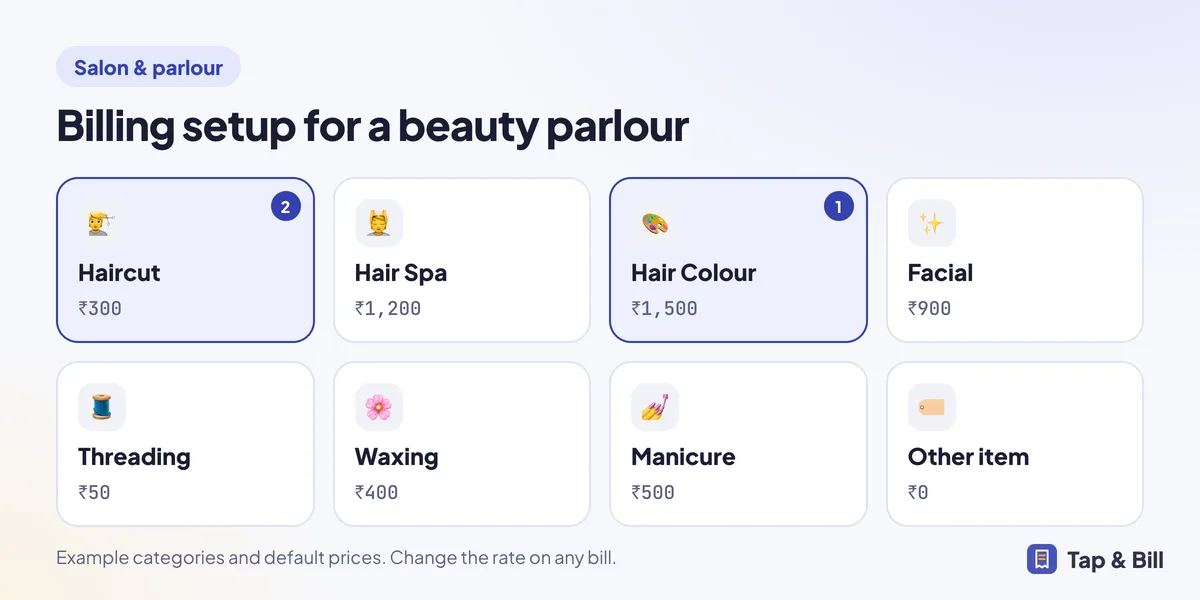
Make each service a tile (Haircut ₹300, Facial ₹900, Threading ₹50) and change the rate on the bill when a client adds a long-hair charge. Type anything else, like a bridal package, on the Quick bill keypad.
For salons, beauty parlours and barber shops
What should salon billing software do?
A salon or beauty parlour needs to bill services fast, record which stylist did the work, take cash or UPI and send the bill on WhatsApp. Tap & Bill does this on an Android phone or a computer: each service is a tile with a rate you can change (or type any amount on Quick bill), you pick the stylist on the bill and see their incentive in a report, and GST is worked out at your rate. It does not book appointments.
Make each service a tile (Haircut ₹300, Facial ₹900, Threading ₹50) and change the rate on the bill when a client adds a long-hair charge. Type anything else, like a bridal package, on the Quick bill keypad.
Add your stylists once under Salesmen & incentive with an incentive % for each, and pick one on every bill. They don’t need a login. The report shows each stylist’s bills, net sales and incentive.
Client still under the dryer? Tap Hold, bill the next client, and open the held bill when she is ready. Up to 10 bills can wait on that phone or computer.
Put the bill on udhaar, see who owes in the Udhaar due list, and send a WhatsApp reminder with your UPI ID.
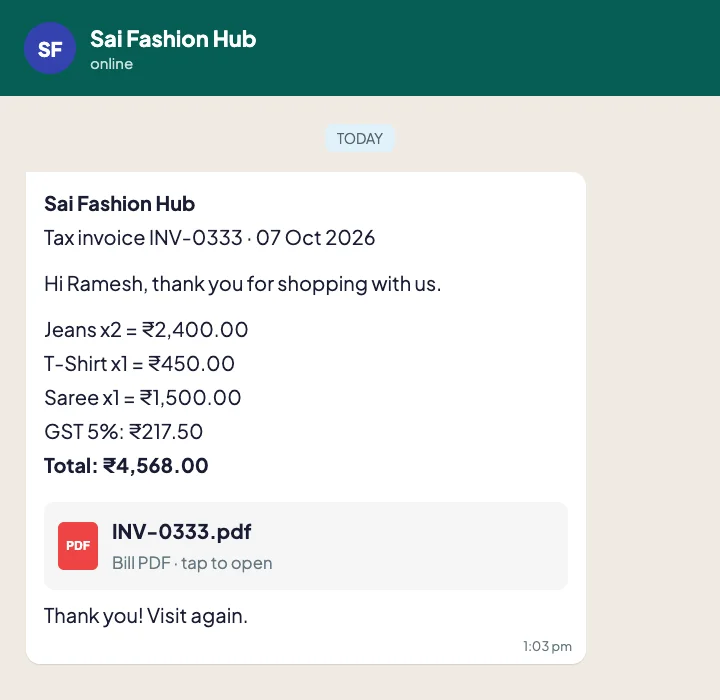
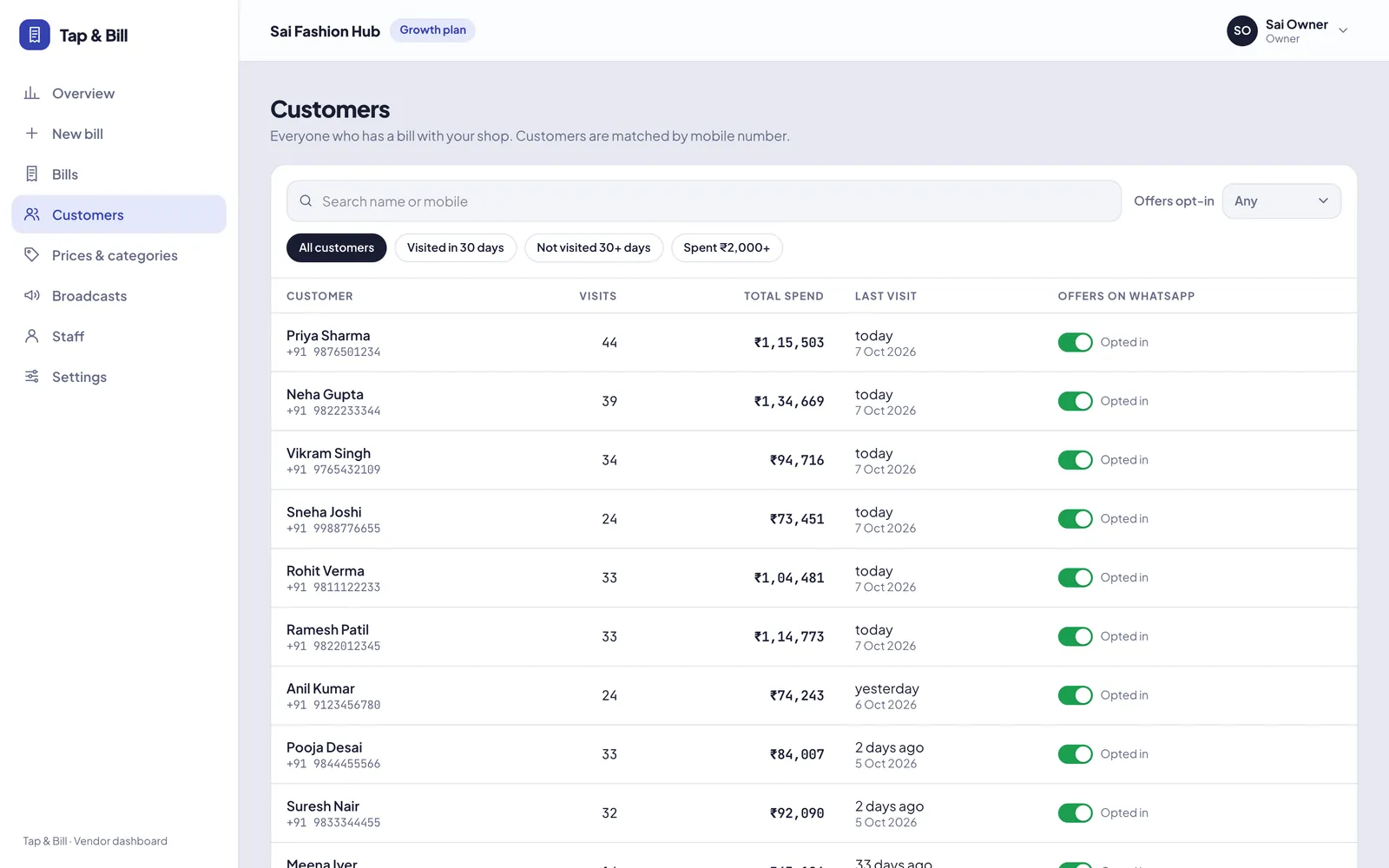
Every WhatsApp bill can end with your Google review link. The customer list shows each client’s visits and total spend.
Your UPI QR shows the exact amount. At night the galla count shows whether the cash drawer is short.
Pick “Other” as the shop type at sign-up and add your services with default prices, or we set them up with you on a demo call. A typical parlour setup:
Since 22 September 2025, salon and beauty services such as haircuts, facials, threading, waxing, manicure and make-up carry 5% GST without input tax credit; before that the rate was 18%. Products you sell over the counter keep their own rate: tax sites list shampoo and hair oil at 5%, and make-up and skin care at 18%.
In Tap & Bill, choose Same rate on everything at 5% in the GST settings, and give retail product categories their own fixed rate on Prices & categories. Lines typed on Quick bill follow the 5% shop rate but have no HSN / SAC code, so keep regular services as tiles with their SAC code. A bill with prices before GST:
| Line | Price | GST rate | GST |
|---|---|---|---|
| Haircut & blow-dry | ₹600 | 5% | ₹30.00 |
| Hair spa | ₹1,200 | 5% | ₹60.00 |
| Threading | ₹50 | 5% | ₹2.50 |
| Face serum (retail product) | ₹799 | 18% | ₹143.82 |
| Client pays | ₹2,649 + GST | ₹236.32, total ₹2,885 |
The bill prints one GST row per rate: at 5%, taxable ₹1,850 with CGST ₹46.25 + SGST ₹46.25; at 18%, taxable ₹799 with CGST ₹71.91 + SGST ₹71.91. The total is rounded to the rupee. If your menu prices already include GST, set prices to “with GST” and the app takes the tax out of each price instead. A parlour that is not registered for GST chooses No GST and gives a simple bill. Confirm your rates with your CA; see GST billing.
Add each stylist under Salesmen & incentive (in the app’s Settings or on the computer) with their incentive %. On every bill, pick who did the work in Sold by. The incentive report for the day, week or month looks like this:
| Stylist | Incentive % | Bills | Net sales | Incentive |
|---|---|---|---|---|
| Priya | 10% | 96 | ₹62,400 | ₹6,240 |
| Sameer | 8% | 71 | ₹41,750 | ₹3,340 |
| Neha | 10% | 54 | ₹28,900 | ₹2,890 |
| No stylist picked | 12 | ₹3,100 | ||
| Total | 233 | ₹1,36,150 | ₹12,470 |
Net sales are bill totals less items returned; cancelled bills are left out. Turn on Salesman needed on every bill and a bill does not save until someone is picked, so the “No stylist picked” row stays empty. A stylist linked to a staff login is picked by default on that login’s bills. There is one stylist per bill: if two people work on one client and both earn incentive, make two bills.
Basic (₹199 a month) covers 1,000 bills a month, about 33 a day, with 1 staff login. Stylists don’t need a login to be picked on bills, so a one-counter parlour can track every stylist’s incentive on Basic. On Basic you send each bill from your own WhatsApp in one tap; Starter (₹499) adds automatic WhatsApp bills, the daily sales report on your WhatsApp and 2 logins. Compare plans.
If your counter takes the client’s name, bills the services, takes the money and sends the bill, Tap & Bill fits.
No. There is no appointment calendar, online booking or appointment reminder. Use your diary, Google Calendar or a booking app for appointments, and Tap & Bill for the bill, the stylist’s incentive and the WhatsApp bill after the service.
Since 22 September 2025, salon and beauty services carry 5% GST (2.5% CGST + 2.5% SGST) without input tax credit; before that it was 18%. Products you sell keep their own rate. A salon usually needs GST registration only above ₹20 lakh turnover a year (₹10 lakh in some states). Confirm with your CA.
Add each stylist under Salesmen & incentive with an incentive %, then pick the stylist on every bill. The incentive report shows each stylist’s bills, net sales after returns and the incentive in rupees, for example 10% of ₹62,400 = ₹6,240.
Yes. Tap the service and change the rate on this bill only, or type the amount on Quick bill. The default price stays the same for the next client. Mol-Bhav Guard can stop staff going below your lowest price without your PIN.
Yes. Each phone can use Tap & Bill in Hindi, Gujarati or English, and each client can get the bill PDF and WhatsApp message in Hindi, Gujarati or English. Receipts printed on a thermal printer from the phone are in English.
Basic at ₹199 a month covers 1,000 bills a month (about 33 a day) with 1 staff login; stylists don’t need a login to be picked on bills. Starter (₹499) adds automatic WhatsApp bills and 2 logins. Every shop starts with a 14-day free trial.
We call you within one working day and show Tap & Bill on your own items and prices.
Prefer to talk now? Call +91 73838 34343 or WhatsApp us.